Most print shops want a finished PDF. We don't — if all you have is a folder of images, our Build your book from images tool does the assembling for you: it puts your pages in order, sets your covers correctly, and builds a print-ready PDF right in your browser. The whole thing takes a few minutes.
Add your front cover and pages
Open the Build your book from images tool. Drop in your front cover first, then all your inside pages — you can add many at once. Drag them into the order you want, or nudge them with the arrows.
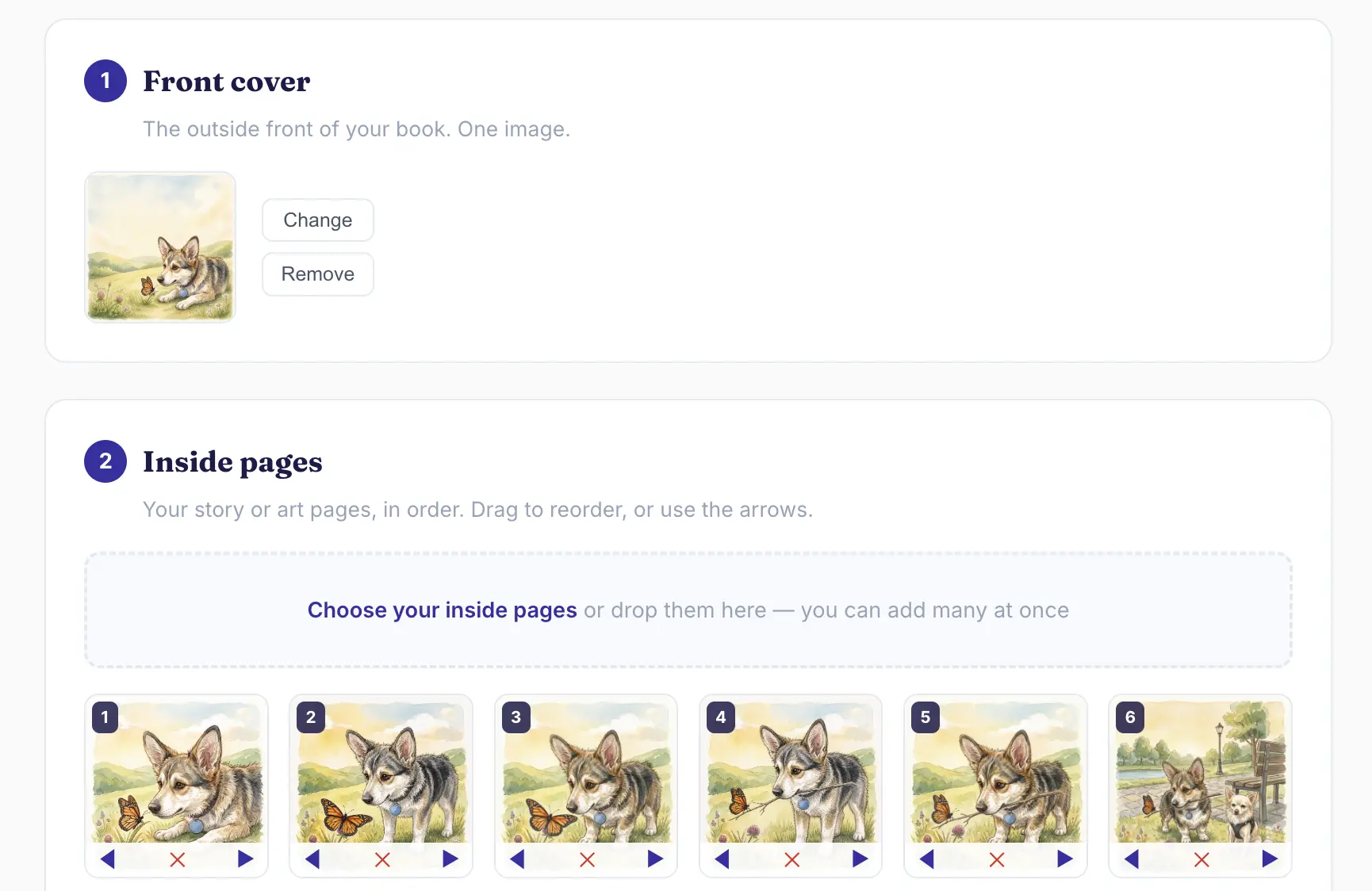
Choose your back cover
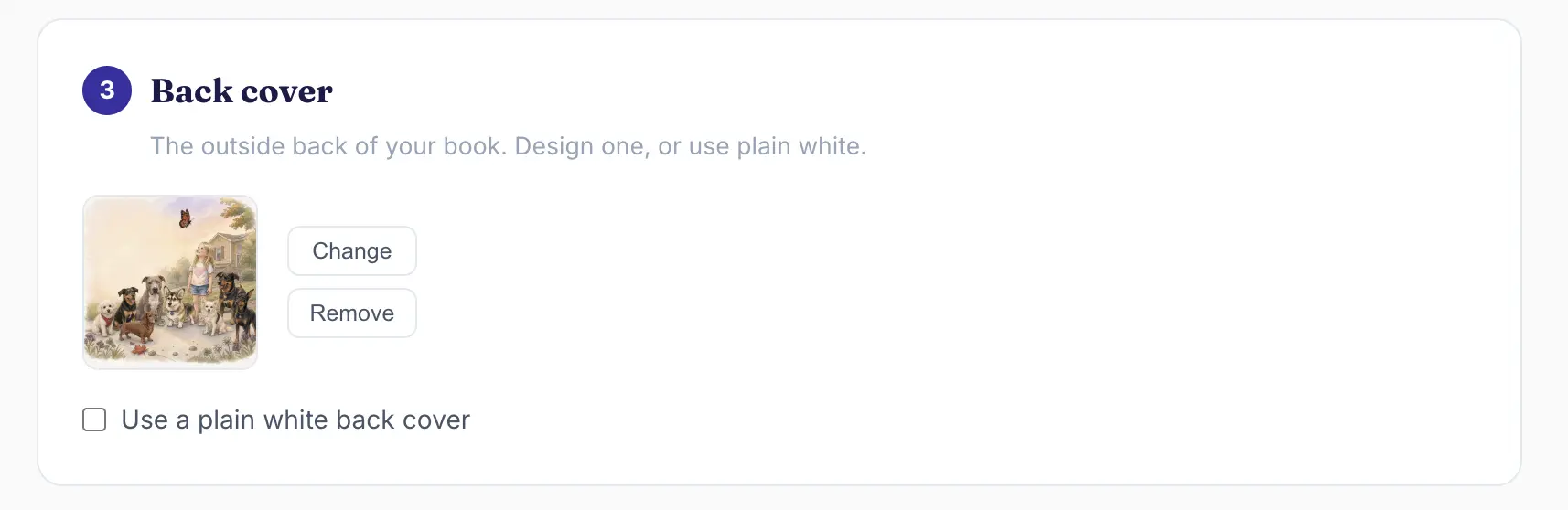
Add a back-cover image, or tick "plain white back cover." Because the front and back covers each have their own slot, a story page can never end up printed on a cover by mistake.
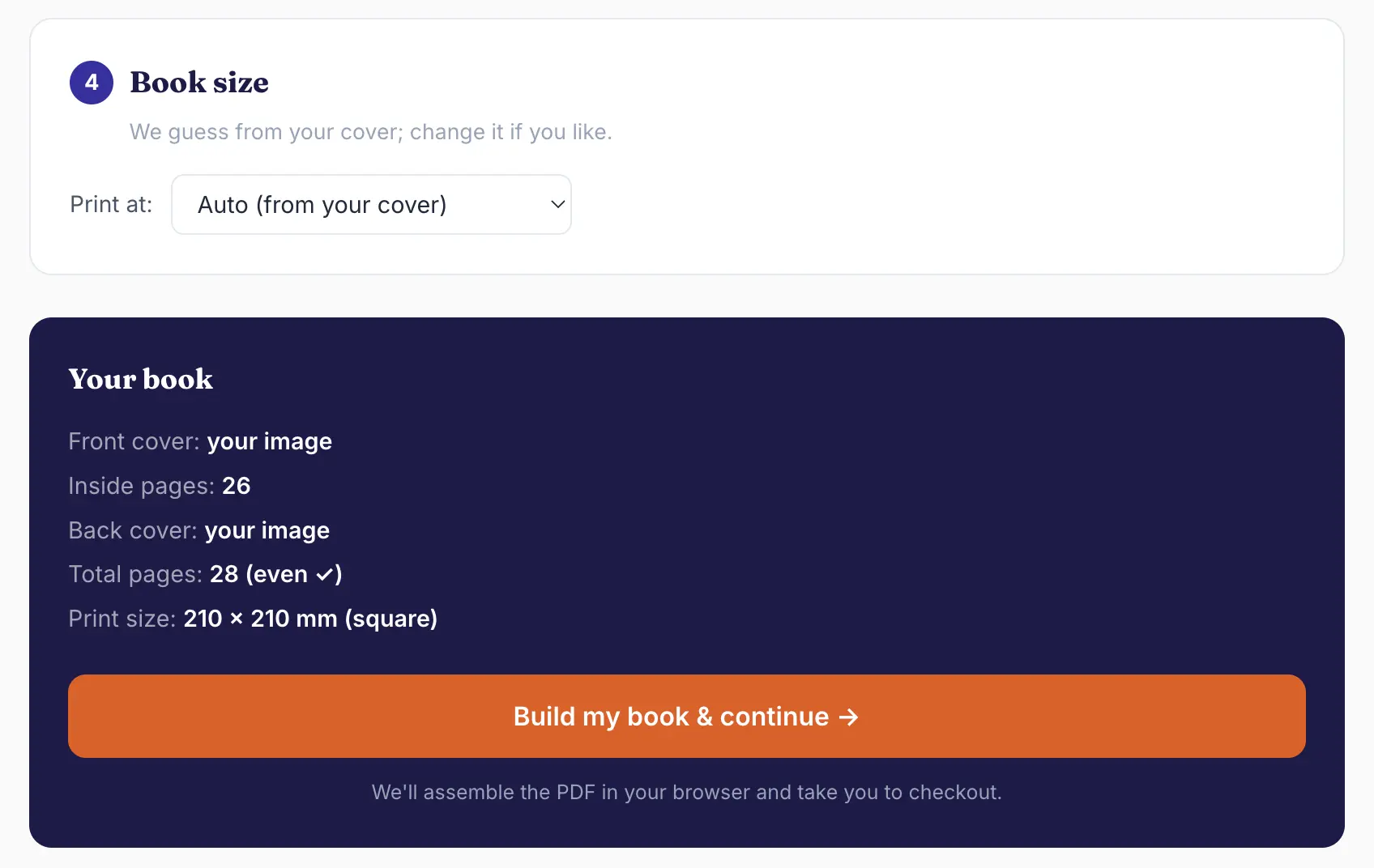
Pick a size and build
We guess the book size from your cover — square, A4 or A5 — and you can change it. Then hit Build my book. We assemble a print-ready PDF in your browser and make sure the page count is even, adding blank pages before the back cover if needed.
Preview every page, then print
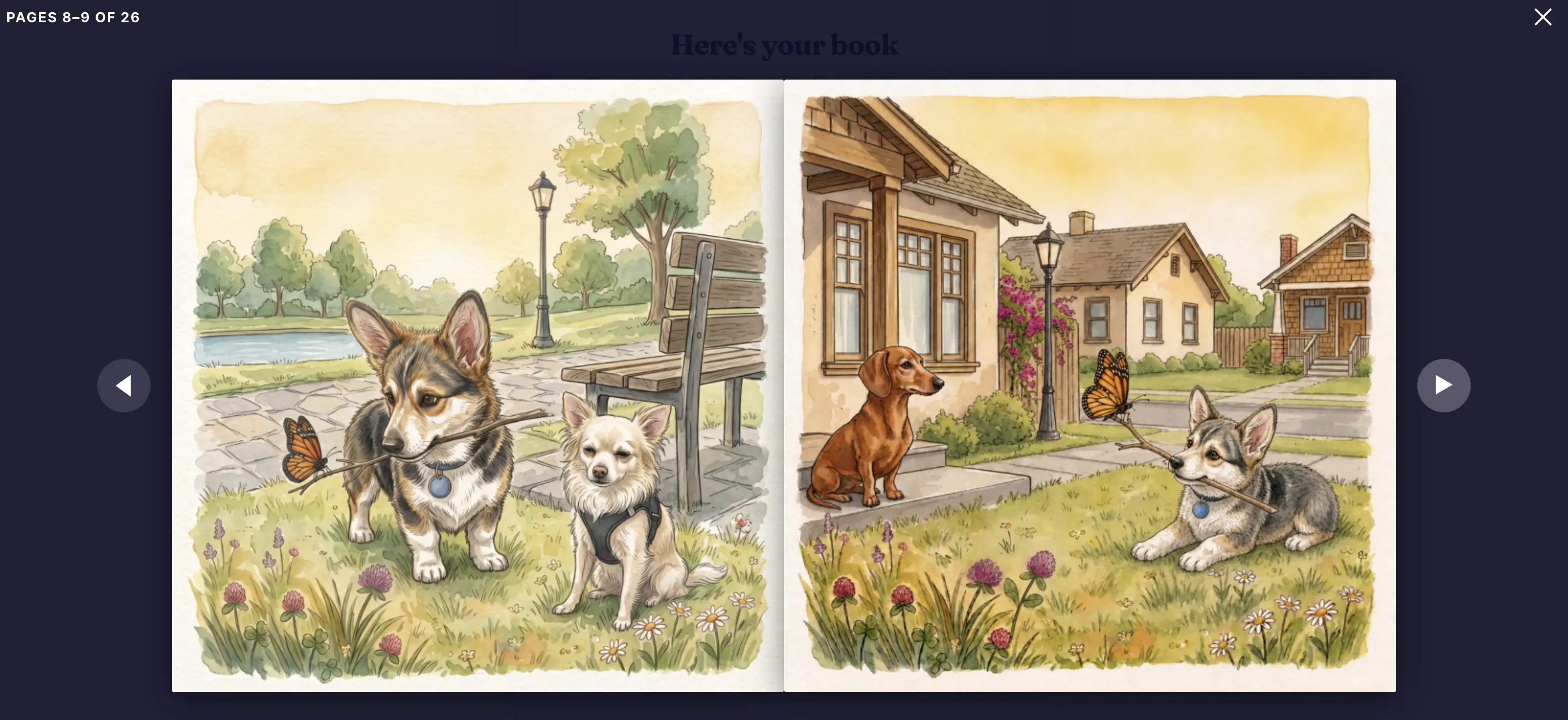
Before you pay, flip through your whole book — front cover, every spread, back cover, all clearly labelled — exactly as it'll be printed. Happy with it? Continue to checkout, choose softcover or hardcover, and we print and ship it worldwide.
The make-or-break tip: resolution. Use the largest, sharpest version of each image you have — aim for 200 DPI or better at the printed size. A book is all about how the pages look on paper, and low-resolution images are the one thing a clean layout can't rescue.
Ready to make your book?
Build your book from images →Already have a finished PDF instead? Upload it here.