ChatGPT makes a children's picture book easy: write the story page by page, generate the illustrations to match, and export the whole thing as a single PDF. The one step left is turning that file into a real, printed book — and it only takes a couple of minutes.
Finish every page
Before you export, give your book one last look. Check that:
- every page has its illustration;
- the text is final;
- the pages are in the right order;
- the spelling's been proofread;
- the images are sharp enough to print (aim for 200 DPI or better).
One careful read-through now saves a reprint later.
Export it as one PDF
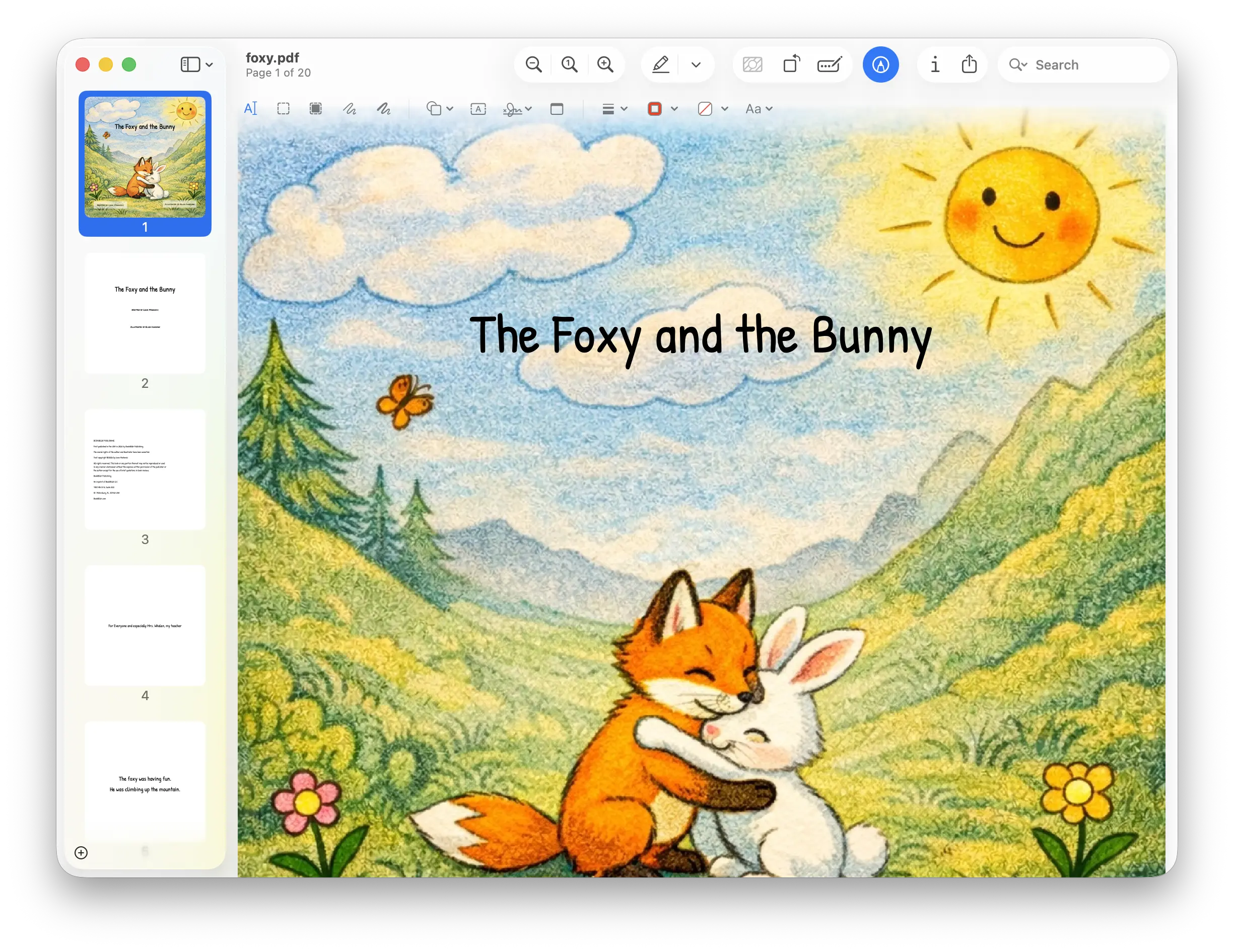
Export your finished picture book as a single PDF — front cover, story pages, and back cover, all in one file. If you built it in ChatGPT, export straight from there; if you moved it into another editor, export from that.
Check the page order
We use a simple, no-fuss page order:
- Page 1 → front cover
- Middle pages → the inside of the book
- Last page → back cover
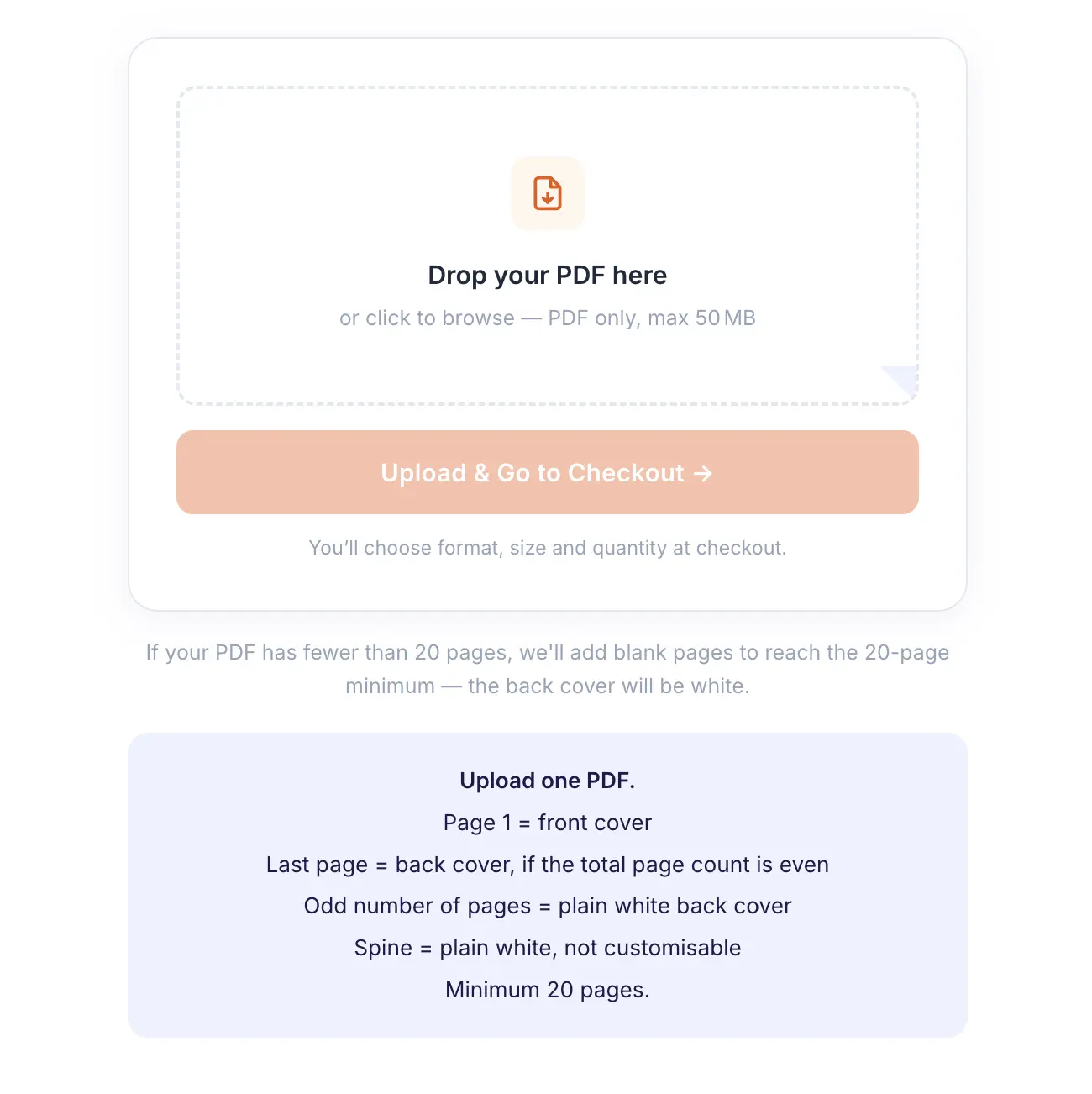
Two easy things to know: for your last page to become the back cover, keep an even number of pages — if it's odd, your book gets a plain white back cover instead (add one blank page if you'd rather it didn't). And if your book is under 20 pages, don't worry — we pad it up to the minimum automatically when you upload.
Upload it to us
Head to PrintAIBook, upload your PDF, choose hardcover or softcover, and complete your order. We print and ship the real book to your door.
Why print a children's book?
Seeing your story on a screen is exciting. Holding it as a real book is something else entirely. People print their ChatGPT children's books to:
- read at bedtime;
- give as birthday gifts;
- surprise the grandchildren;
- preserve family stories;
- make classroom books;
- keep as a forever keepsake.
Ready to print your book?
Upload your PDF →Want the quick checklist first? See the Print Requirements.